A home for the characters you imagine, the stories you plan, and the surprising chapters your Sims create. Find inspiration, shape a narrative, connect its characters, and preserve each memorable moment.
✧ ◆ ✧
BASE GAME FRIENDLYOPTIONAL PACK ENHANCEMENTSPLAN • PLAY • REMEMBER
SIX WAYS TO CREATE
Your Storytelling Collection
Choose a tool for the part of your story you want to work on. Each destination opens a tool you've already explored elsewhere on the website—nothing is duplicated here.
✒THE WANDERING WHIMS LIBRARY
01 · PLAN & WRITE
Story Development Studio
Shape your premise, build character arcs, organize five story beats, and write chapter-by-chapter plans.
There's no single correct storytelling style. Choose the approach that suits your goals, or move between them as your story unfolds.
APPROACH ONE
Planned Storytelling
Outline scenes in advance, design the setting and cast, then use The Sims 4 to stage the chapters and capture screenshots.
APPROACH TWO
Sim-Driven Storytelling
Play the household and let unexpected events, relationships, and everyday moments suggest what happens next.
APPROACH THREE
A Little of Both
Begin with a direction, leave room for gameplay surprises, and adjust your outline as your Sims make the story their own.
YOUR SCENE LIBRARY
From Gameplay to Story Chapters
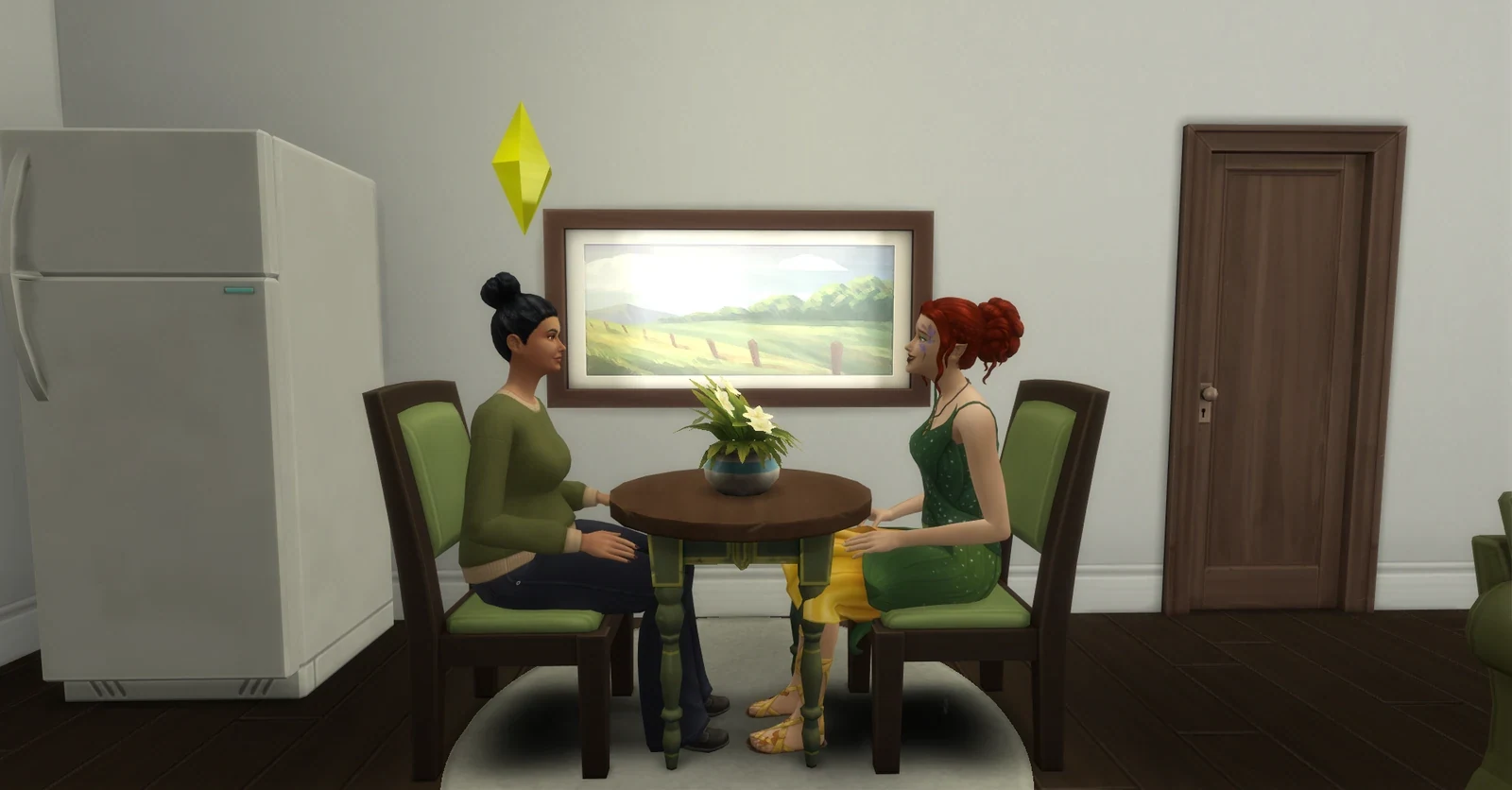
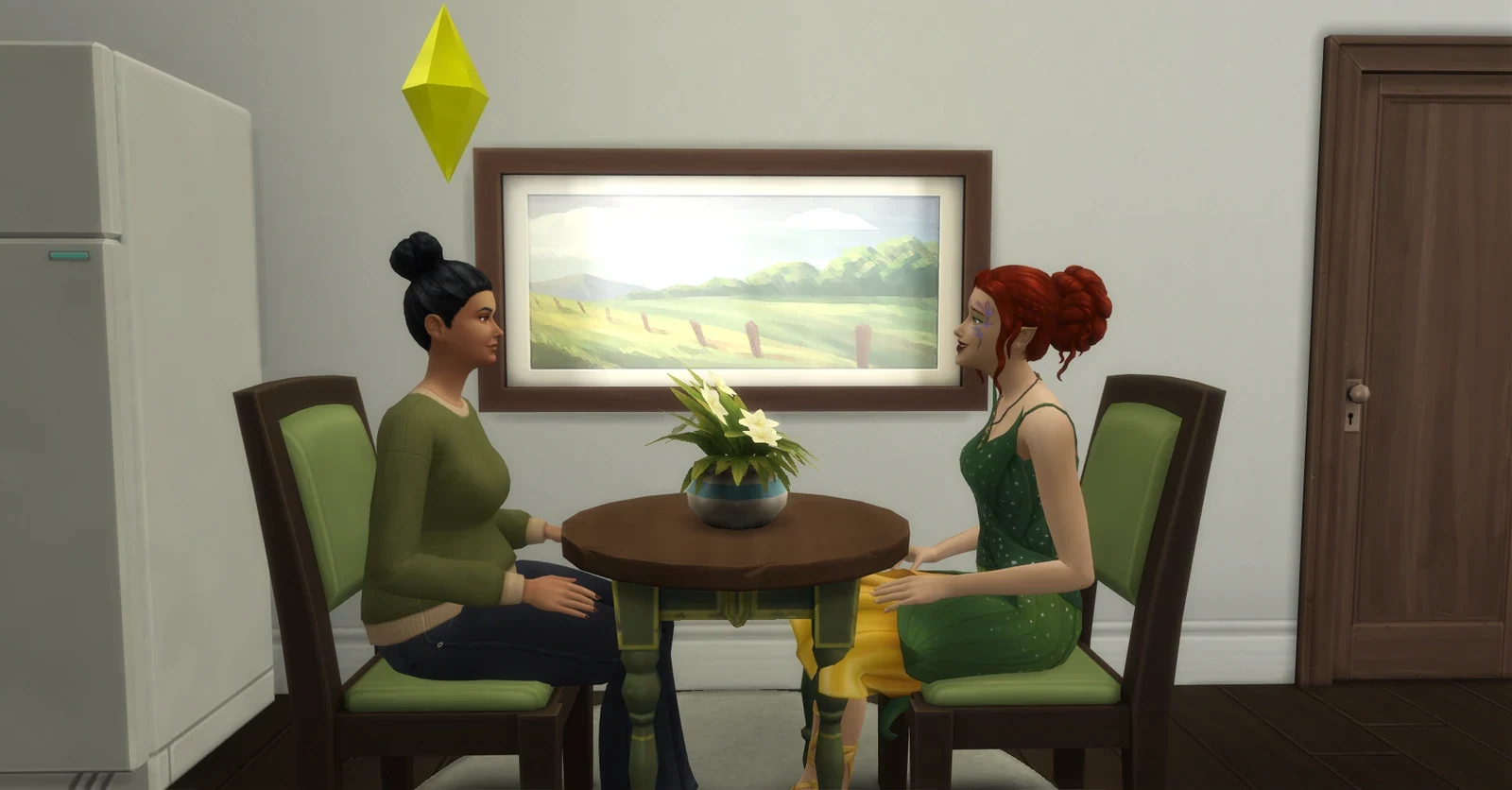
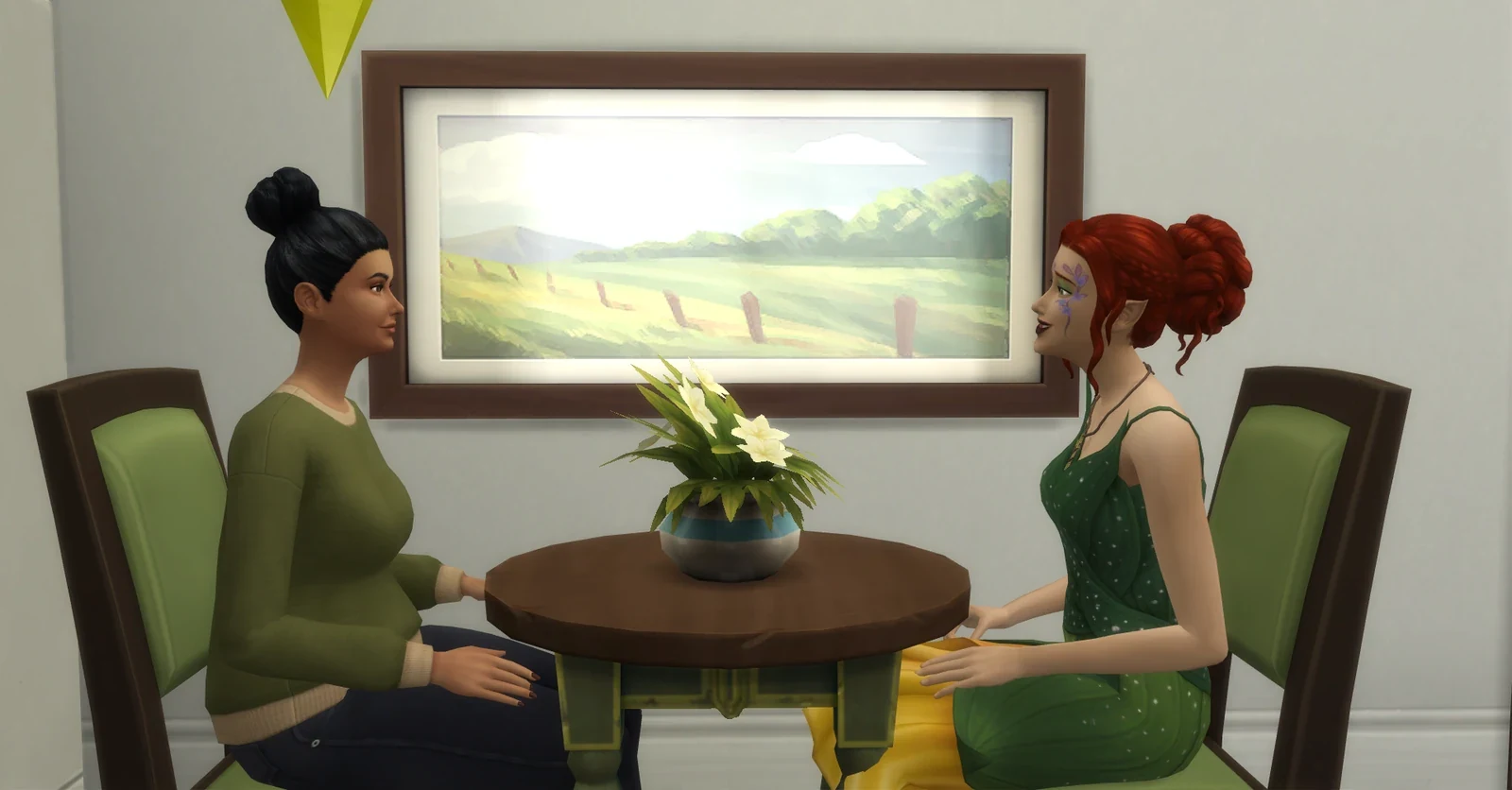
Use a small sequence of screenshots to show where the scene happens, who is involved, and how the moment feels.
Set the SceneStart with a wide angle to show the room and atmosphere.View full screenshotFocus on the PeopleMove closer to frame the conversation and body language.View full screenshotRemember the DetailA closer view can capture a feeling or clue worth writing about.View full screenshot
This three-shot technique works in Base Game. Optional lighting, furnishing, or clothing packs are not required.
A small optional checklist for tracking the creative steps you've explored across the website.
Start with a premise, mystery, or everyday question.
Give someone a goal, a flaw, and a reason to change.
Identify an important friendship, secret, or conflict.
Write one scene or choose a gameplay event.
Save a screenshot, story note, or finished chapter.
0 of 5 steps completed0%
Checkmarks are saved only in this browser. They do not read or change any saved manuscripts or journals in the other studios.
EVERY SIM HAS A STORY
Base Game & Optional Enhancements
All of the planning and storytelling activities in this Hub can be used without buying additional Sims 4 content.
✧ Base Game Only
Write biographies, create households, stage scenes with ordinary objects and lots, track relationships, capture screenshots, and invent mysteries through your own storytelling.
✧ Optional Packs & CC
Additional packs may offer careers, family dynamics, supernatural themes, scenery, and storytelling objects. None are required for our writing tools. Credit CC creators when sharing content made with their work.
A PLACE FOR EVERY SIM STORY
Worldbuilding & Setting Design Studio
Imagine fictional villages, estate grounds, historic neighborhoods, and woodland communities. Sketch an editable setting map, collect local history, and record the places where your stories unfold.
Turn a finished build, Sim, garden, or story into a beautifully presented keepsake. Add screenshots, write the creative story behind your work, credit creators, and download a PNG or PDF portfolio.
✧ FRAME IT
Four Photographs
Add a cover and three supporting pictures to highlight your project.
✧ TELL IT
Creator Notes
Describe the build or story, including packs, optional CC, and image credits.
✧ PRESERVE IT
Portfolio Downloads
Keep local drafts and download a PNG, PDF, or editable backup for later.
Plan beautiful Sims screenshots, arrange scenes into a storyboard, document a before-and-after build transformation, and download a visual photography journal. Base Game-friendly, with optional pack inspiration.
Master the basics of composition, lighting, build photography, CAS portraits, and cinematic storytelling. Practise on an illustrated sample or upload a screenshot, track six short lessons, and download your learning journal. Base Game-friendly, with optional pack enhancements.