What should viewers notice first: a doorway, a Sim's expression, or an important detail?
THE INSPIRATION PHOTOGRAPHY ACADEMY
Screenshot Photography Learning Center
Find the story in every frame. Learn to photograph a grand manor, a cozy room, an expressive Sim, or an unexpected moment—one simple exercise at a time.
6 GUIDED LESSONSBASE GAME FRIENDLYOPTIONAL PACK IDEASCREATIVE PRACTICE
BEFORE YOUR FIRST SHOT
Photography Starts with Seeing
There's no need for expensive software or custom content. Thoughtful angles, clean framing, and a clear subject make a difference in almost any Sims setting.
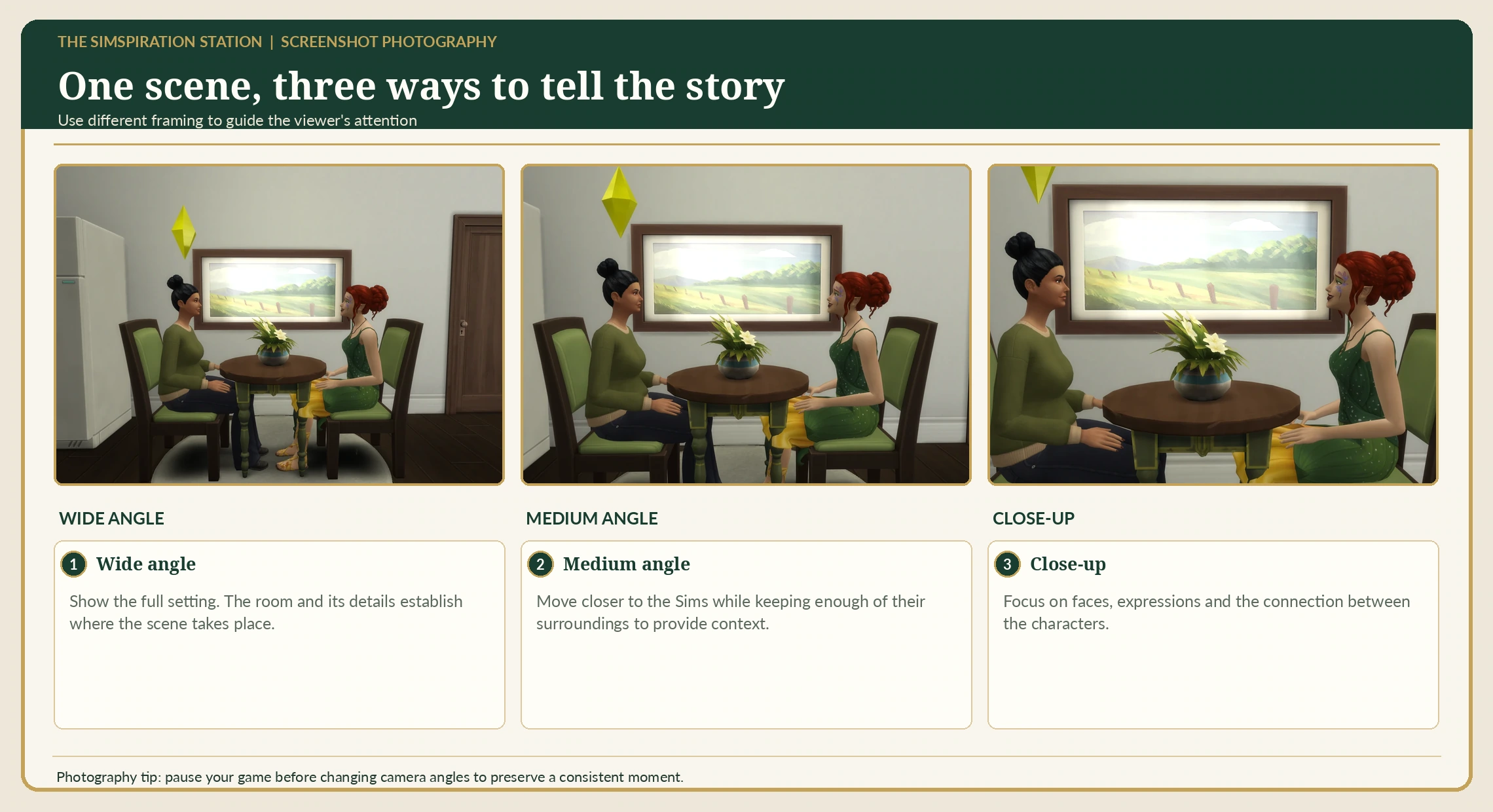
Consider the setting, time of day, light, and the feeling you want your image to convey.
Experiment with distance and angle, then compare your results before editing.
PC screenshot basics: In Live Mode, Tab can enter free camera mode; C captures a screenshot. Files are normally saved in
Documents/Electronic Arts/The Sims 4/Screenshots. Screenshots taken by the player are different from photos created by a Sim through the in-game Photography skill.SIX LESSONS · YOUR OWN PACE
Explore the Photography Lessons
Every lesson has an illustrated reference, a small exercise, Base Game guidance, and optional pack ideas. Record what you learn and tick off your finished lessons.
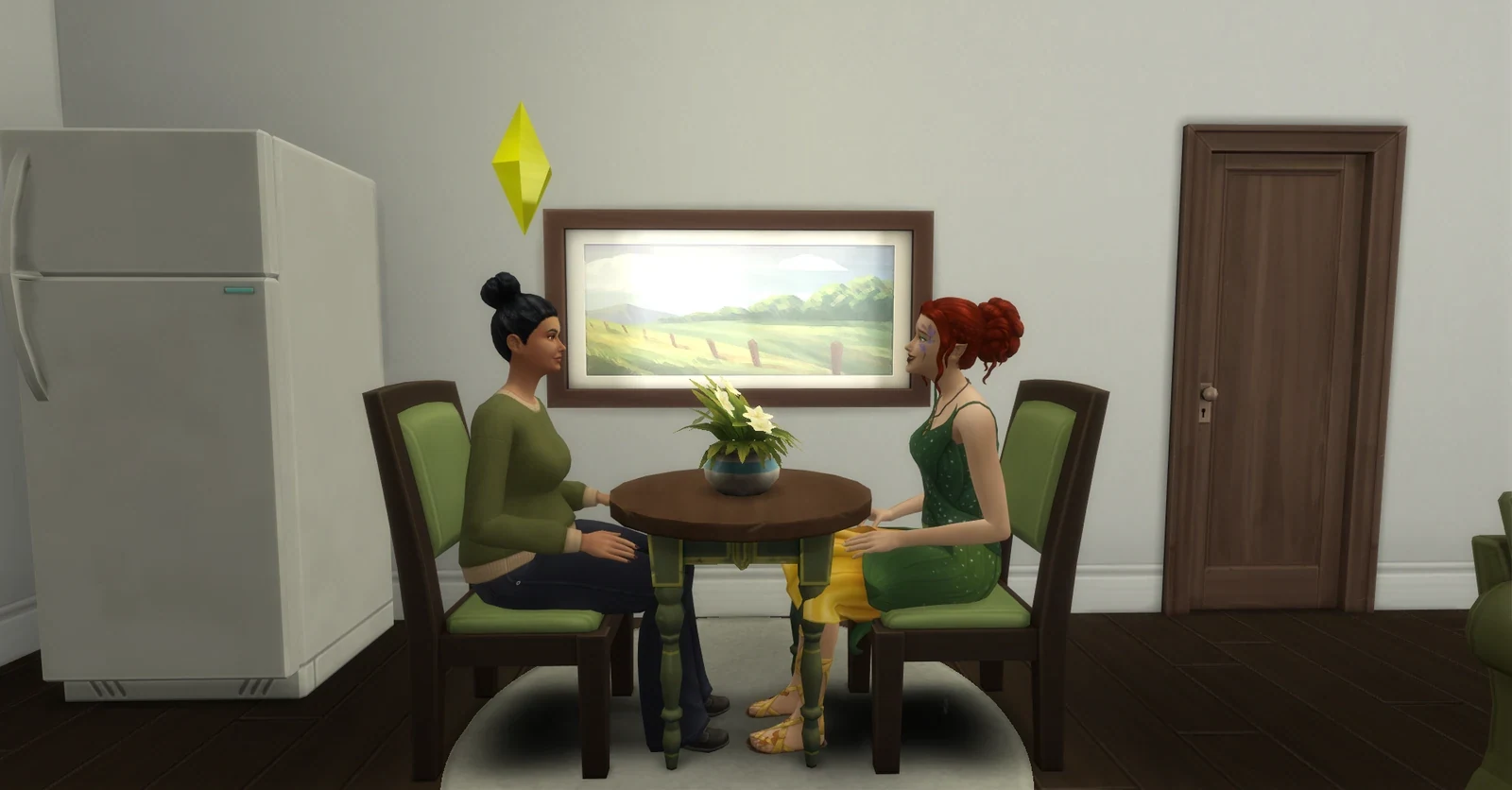
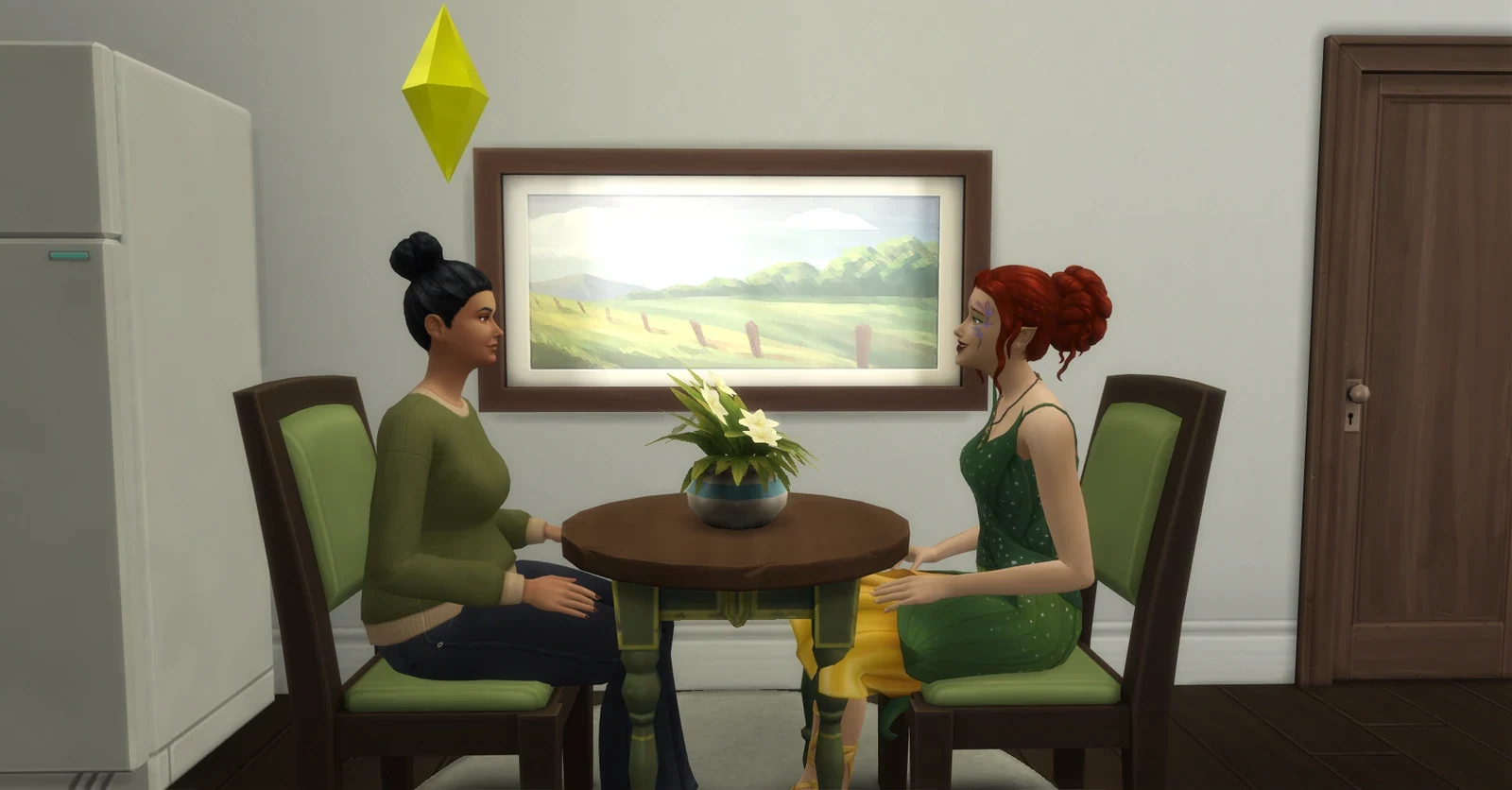
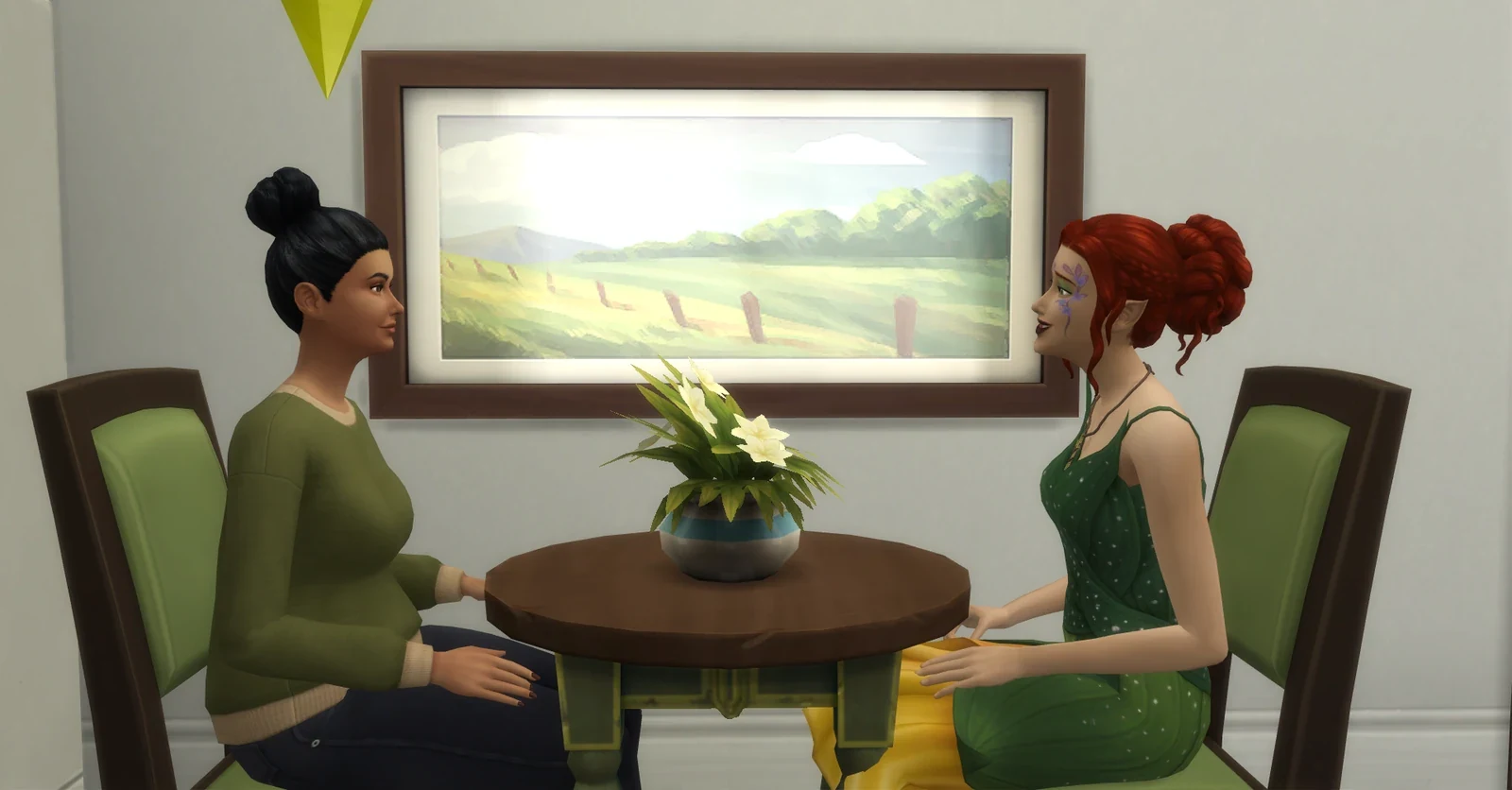
These are your own Sims photographs. You can practice the same composition techniques with Base Game camera controls.
01 · FIRST STEPS
Camera & Composition Basics
Learn to choose a focal point before you press the screenshot key.
YOUR THREE-SHOT EXERCISE
- Use Tab during Live Mode to experiment with a cleaner camera view on PC.
- Frame one Sim or object three ways: centered, left third, and right third.
- Compare which arrangement tells the clearest story.
Base Game Only: player screenshots and camera positioning.
Optional pack enhancements: Moschino Stuff adds studio-photography equipment for your Sims; these items are not required for player screenshots.
02 · BUILD PHOTOGRAPHY
Photographing Exteriors
Show the shape, character, and strongest architectural feature of your build.
YOUR THREE-SHOT EXERCISE
- Begin with a three-quarter front view so viewers can see two sides of the house.
- Take a wide establishing shot, then a closer architectural detail.
- Check whether trees, walls, or the roof obscure the main entrance.
Base Game Only: any completed or work-in-progress lot.
Optional pack enhancements: Vampires adds Gothic-inspired building details; Cottage Living offers rural atmosphere and decorative objects.
03 · ROOM PHOTOGRAPHY
Interiors & Atmosphere
Capture the feeling and practical layout of a room, not just its furniture.
YOUR THREE-SHOT EXERCISE
- Choose one focal object or group—such as a hearth, dining table, or reading nook.
- Frame from a corner or doorway and keep distracting walls out of the composition.
- Try two light moods and record how they change the room’s character.
Base Game Only: rooms, windows, lamps, and furnishing arrangements.
Optional pack enhancements: Dream Home Decorator offers extra interior styling objects and room-design inspiration.
04 · CHARACTER PHOTOGRAPHY
CAS & Character Portraits
Reveal your Sim’s personality through pose, setting, and framing.
YOUR THREE-SHOT EXERCISE
- Plan a half-body portrait that shows expression and a little outfit detail.
- Choose a background that supports the character without competing with them.
- Take a second portrait using a different angle or mood.
Base Game Only: CAS styling and in-game screenshots of Sims.
Optional pack enhancements: Vintage Glamour Stuff and High School Years offer additional fashion themes; CC is not required.
05 · VISUAL STORYTELLING
Cinematic Scenes & SimLit
Use a sequence of images to communicate action, discovery, or change.
YOUR THREE-SHOT EXERCISE
- Take an establishing shot to show where the scene happens.
- Capture a character reaction or a meaningful detail.
- Finish with a final image that shows a choice, reveal, or consequence.
Base Game Only: household interactions and ordinary locations.
Optional pack enhancements: Get Together can inspire group scenes and story settings; other packs can add new locations.
06 · PRESENT YOUR WORK
Gardens, Details & Showcases
Create a small visual showcase that makes a project easy to appreciate.
YOUR THREE-SHOT EXERCISE
- Photograph a garden path or outdoor space using a clear foreground and background.
- Retake the same composition after a renovation for a before-and-after pair.
- Select three images: a wide view, one meaningful detail, and your favorite transformation.
Base Game Only: landscaping, garden paths, and build screenshots.
Optional pack enhancements: Seasons offers seasonal changes; Cottage Living offers countryside-inspired landscaping details.
THE COMPOSITION WORKROOM
Practice Framing a Photograph
Try a sample landscape or upload a screenshot from your Sims folder. Choose an aspect ratio, turn on a guide, and click the photo to mark its focal point. Download your crop as a PNG.
Wider100%Closer
Rule of thirds: position your most important detail near a grid intersection.
Tip: click anywhere on the photo to move your focal-point marker. Guides appear in the learning preview, not in the clean export.
Uploaded screenshots stay in this browser tab while you practise; they are not included in your lesson-progress backup. Keep your original full-resolution Sims images separately. The crop tool doesn't modify your original file.
READY FOR A SHOWCASE
Two Photography Checklists
Keep these practical shot lists nearby while you photograph a build or assemble a screenshot story.
Build Showcase Checklist
- Front three-quarter exterior and wider establishing view
- Rear exterior, garden, or outdoor gathering space
- Most important interior room and architectural detail
- Overhead or layout view when helpful
- Consistent before-and-after angle for renovations
Storytelling Screenshot Checklist
- One frame that establishes time and place
- Clear subject, action, and emotional intention
- Detail or reaction image to move the story forward
- Caption or dialogue recorded separately
- Original saved; crop, exposure, and image credit checked
YOUR CREATIVE PHOTO NOTEBOOK
Keep Your Learning Record
Your checkmarks and lesson notes save in this browser. Export a beautifully formatted PDF or an editable JSON backup to keep a copy.
0 of 6 lessons complete
No account required. Saved notes remain in this browser unless its local data is cleared. Download a backup for safekeeping.
FROM PRACTICE TO YOUR NEXT STORY
Continue Your Creative Journey
Use your images in a storyboard, develop a chapter, or keep a record of a build and its memorable moments.
Research reviewed: November 2026. Helpful references: EA's Photography Skill Guide and Mod The Sims Camera Controls.