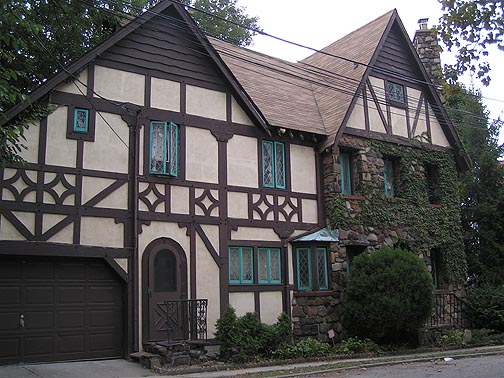
Tudor · Exterior · DP-001
Tudor Timberwork
Build a small timber-accented house, then design a study that echoes the exterior.
Photograph: Hannahgoldstein at English Wikipedia · Public domain (per existing library)
A creative home for Sims 4 builders, storytellers & dreamers.
Small building and decorating exercises inspired by real-world photographs. Explore styles beyond one house, study what makes each reference work, and make your own Sims interpretation—starting with Base Game Only.
Each reference photograph appears with its photographer and license. Exterior photographs are identified as such; where an exercise turns an exterior into an interior idea, that is an interpretation, not a historical interior reconstruction. Your original Sims screenshot stays on your device. A smaller preview is saved in browser storage when space allows; it is never uploaded.
Every exercise has a Base Game Only foundation. Optional pack details are never required.
Build a small timber-accented house, then design a study that echoes the exterior.
Photograph: Hannahgoldstein at English Wikipedia · Public domain (per existing library)
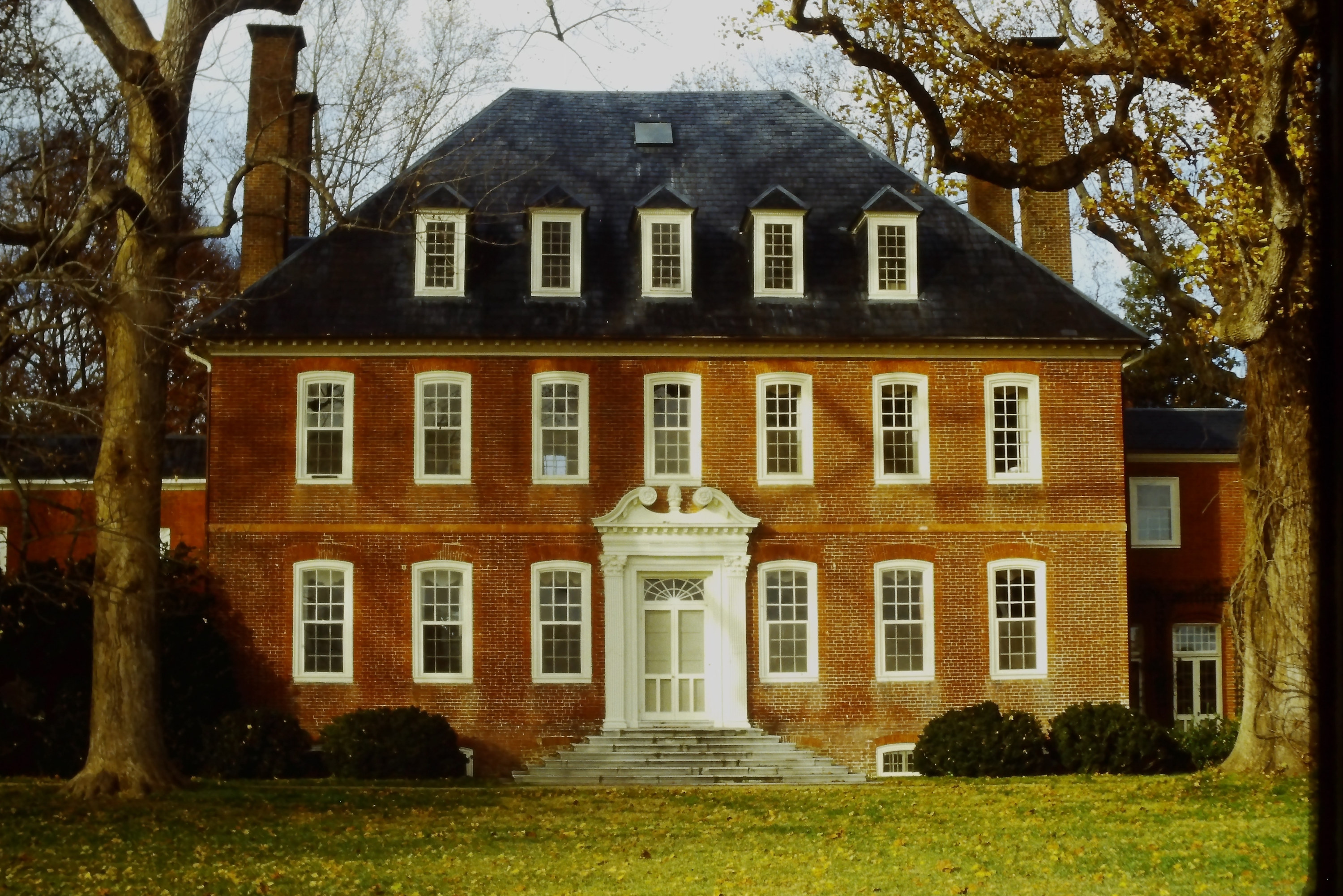
Practise symmetry and classical restraint with a small Georgian-inspired facade.
Photograph: Bmzuckerman · CC BY 4.0
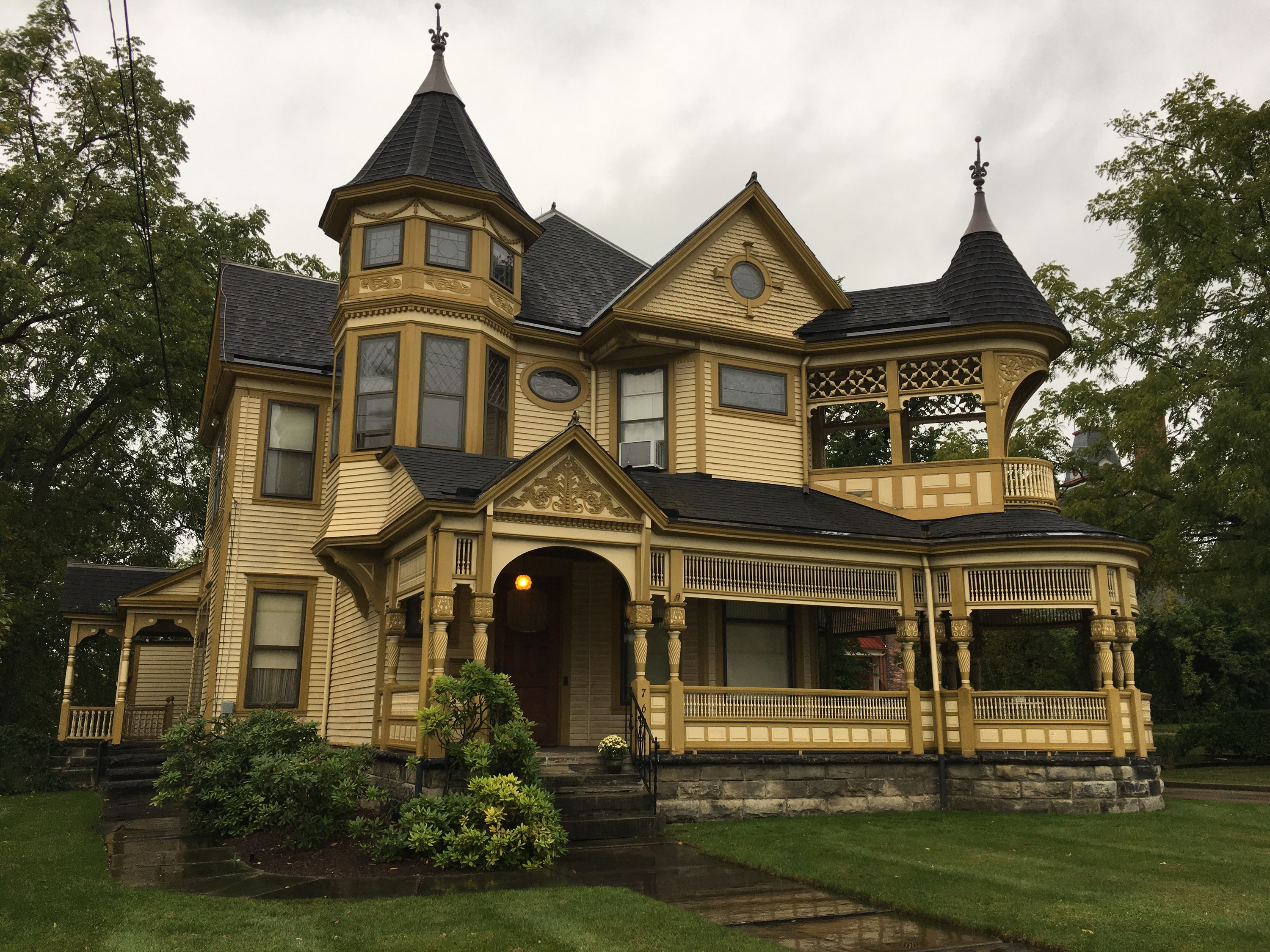
Learn how changing roof heights, porch detail and varied trim create character.
Photograph: Josephyurko · CC BY-SA 4.0
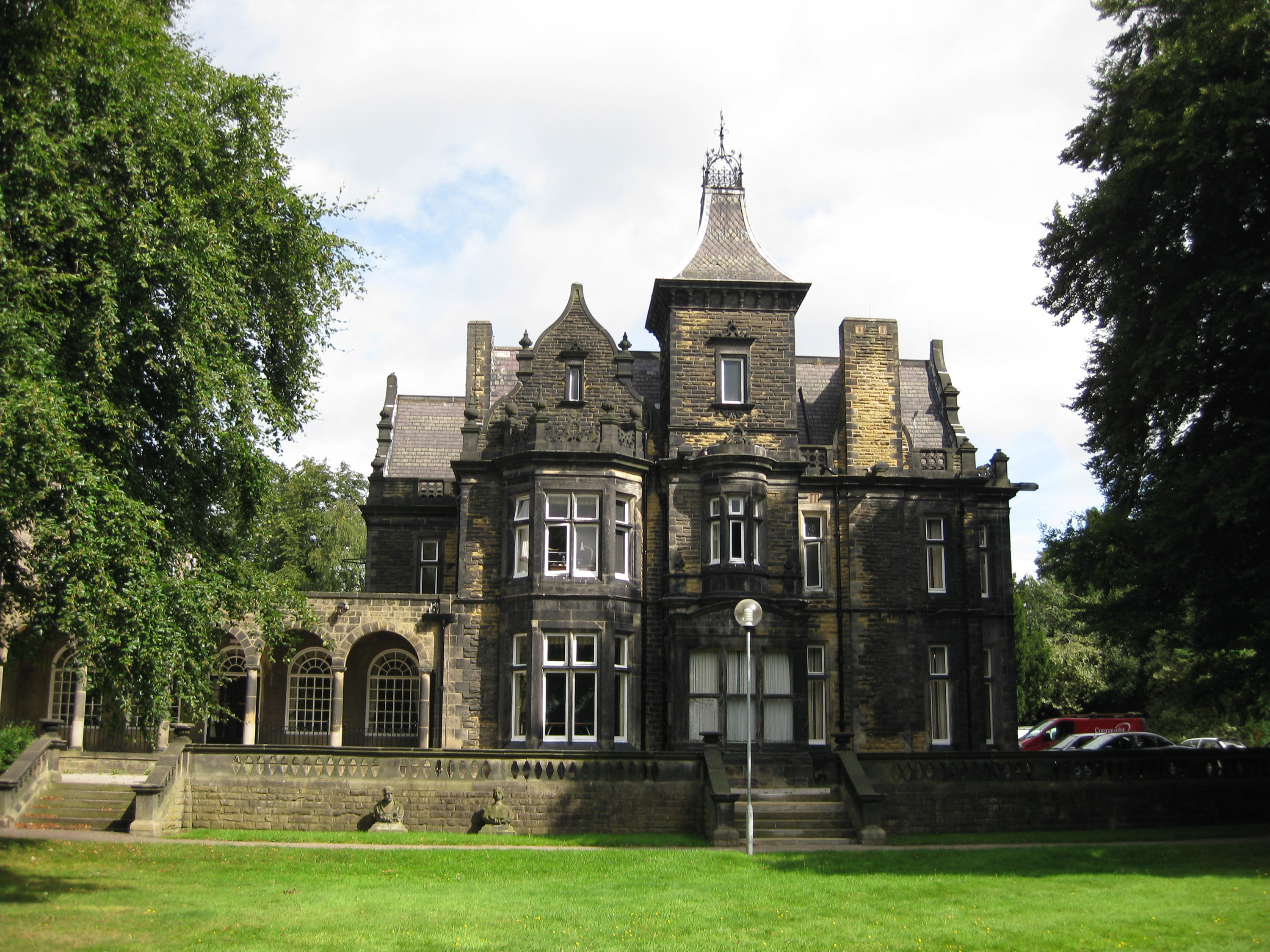
Translate a Gothic Revival building photograph into a dramatic little library.
Photograph: Chemical Engineer · Public domain (per existing library)
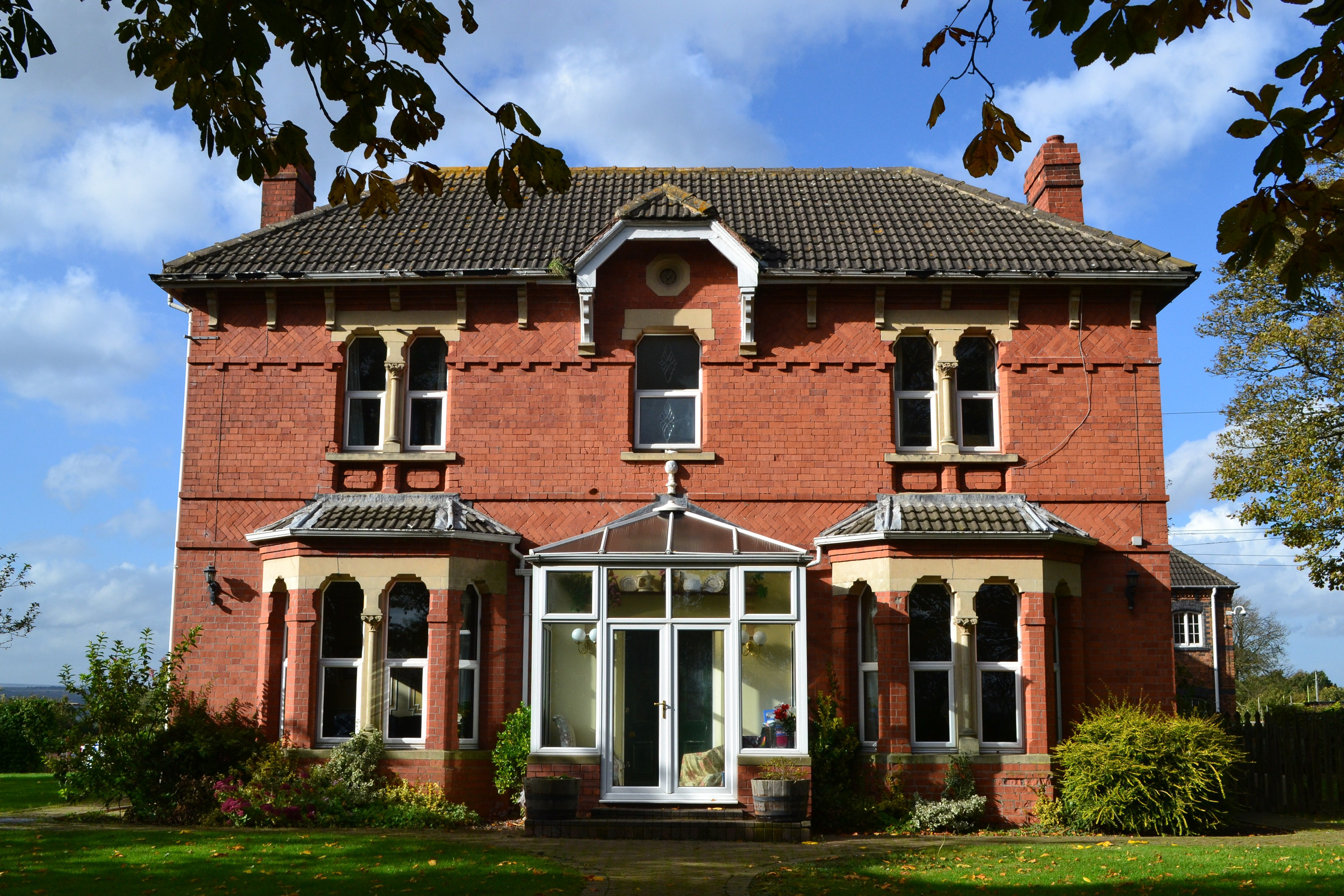
Study Edwardian domestic proportions, then decorate a bright, welcoming morning room.
Photograph: Neil Theasby · CC BY-SA 2.0
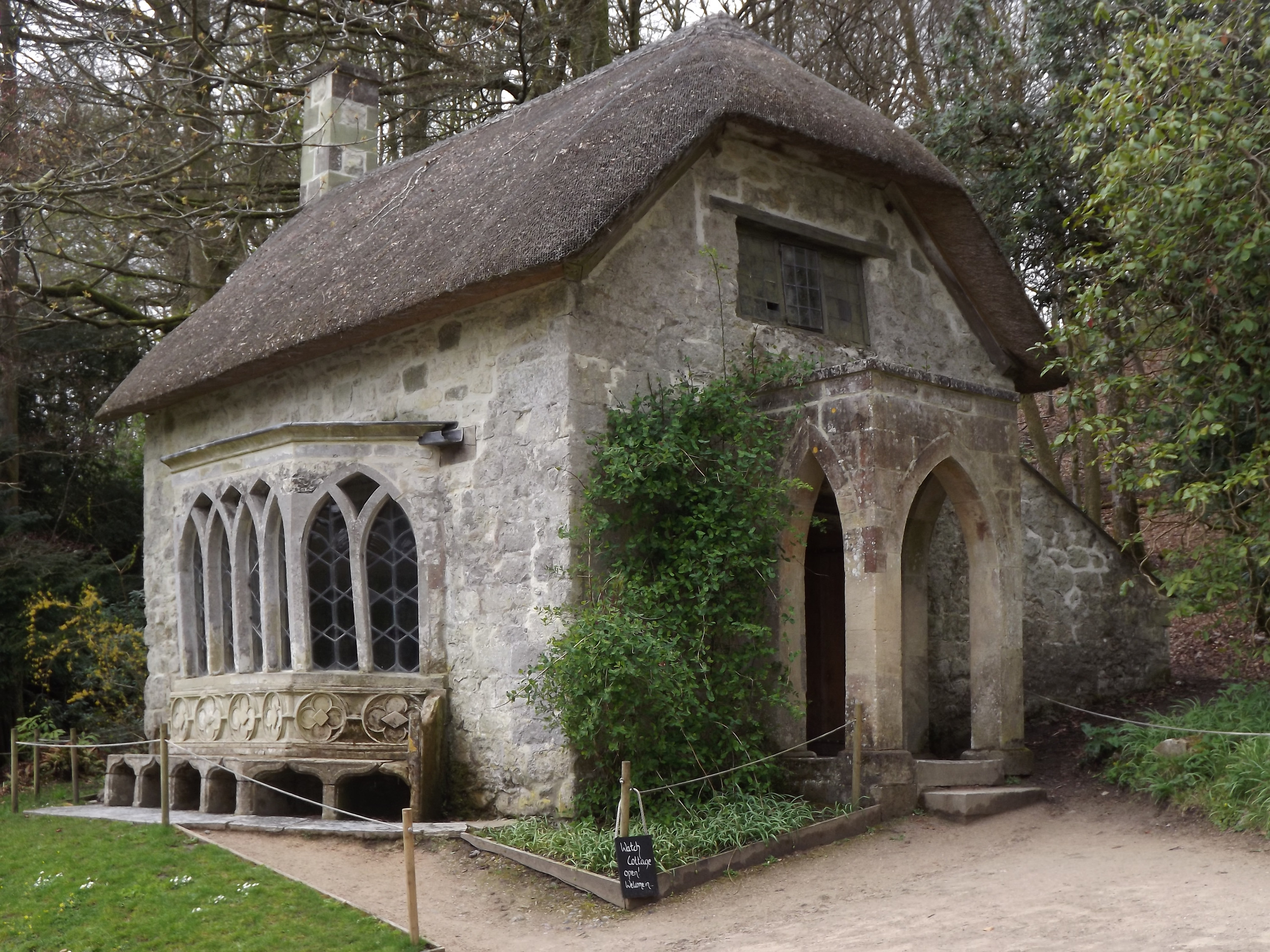
Take the intimate proportions of a country cottage and make a usable kitchen.
Photograph: Colin Smith · CC BY-SA 2.0
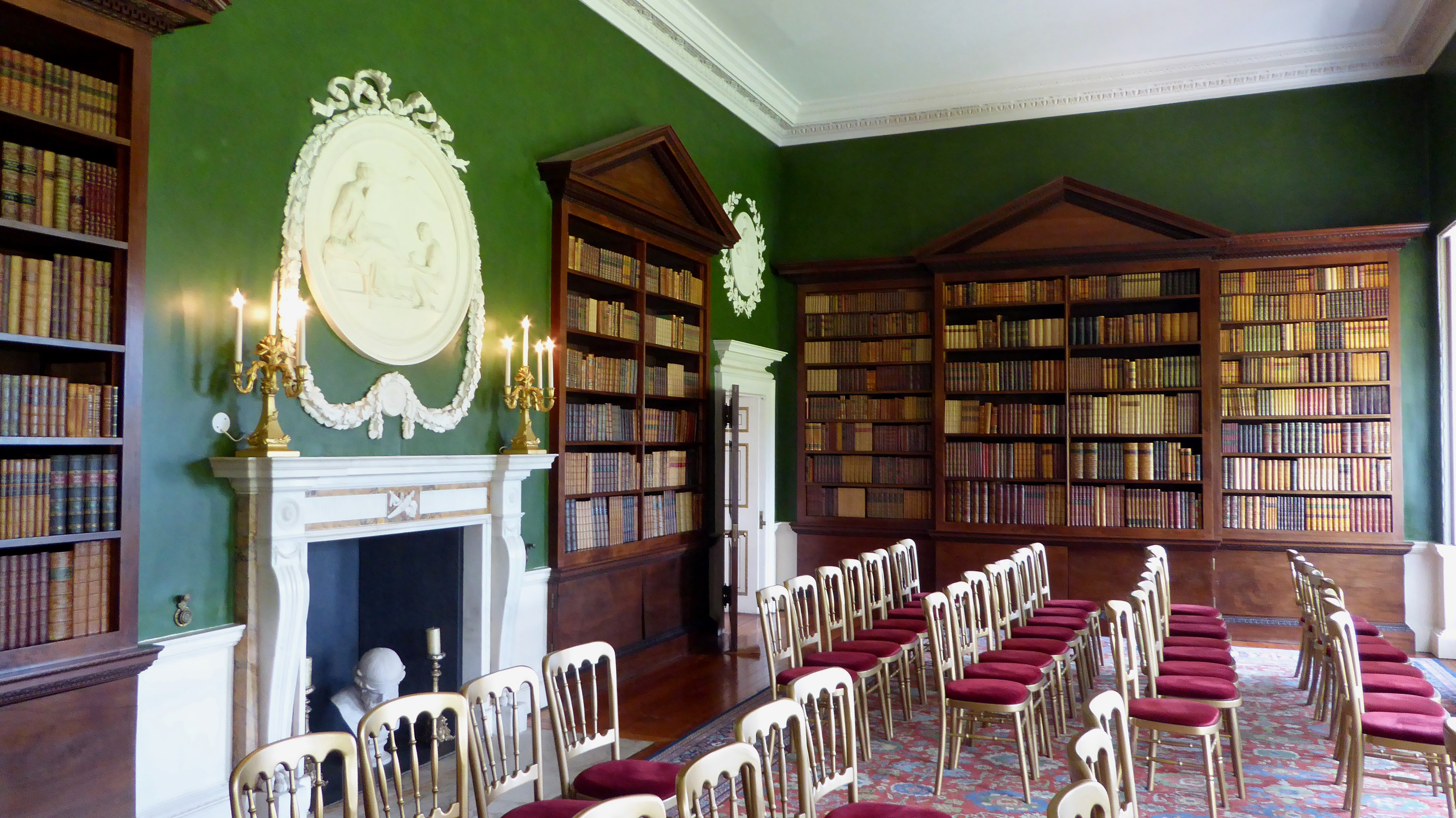
Study a genuine library photograph and build your own reading room.
Photograph: Ethan Doyle White · CC BY-SA 4.0
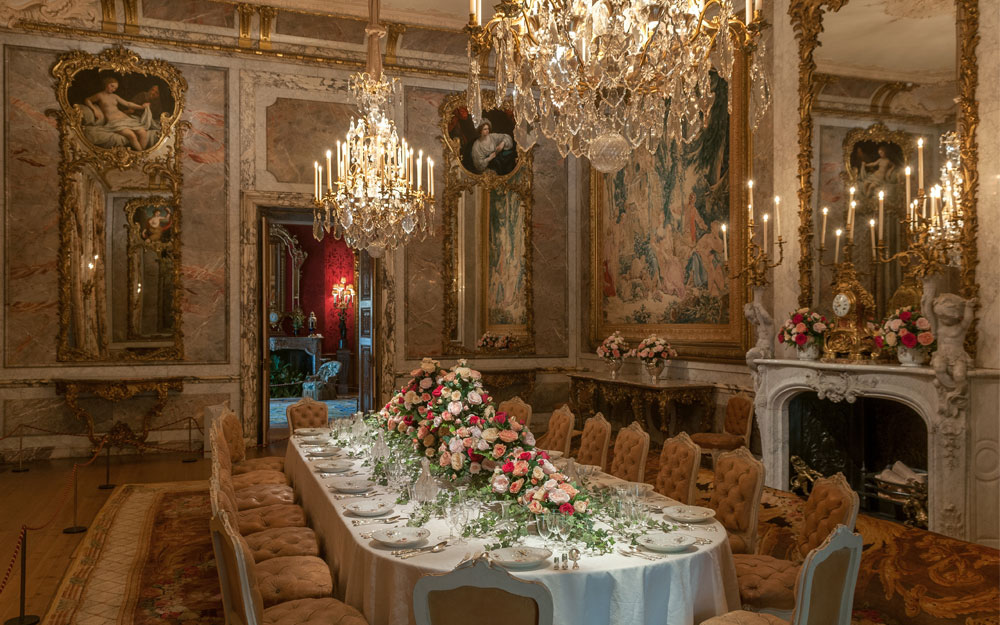
Interpret the dramatic proportions of a formal dining room at a Sims-friendly scale.
Photograph: Waddesdon Image Library, photograph by Mike Fear · CC BY-SA 4.0
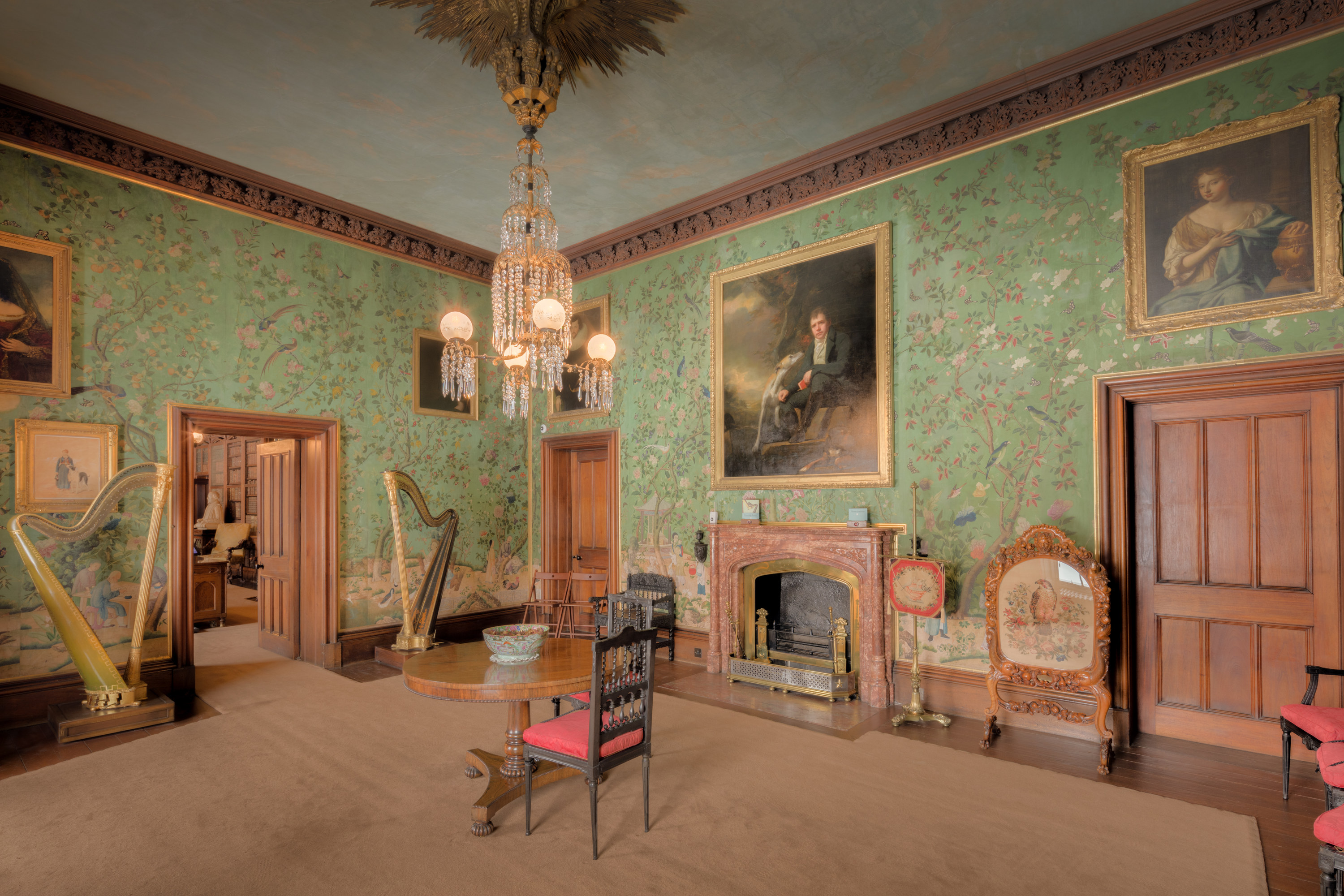
Study color, textiles and furniture grouping in a real historic drawing room.
Photograph: Michael D Beckwith · CC0 1.0
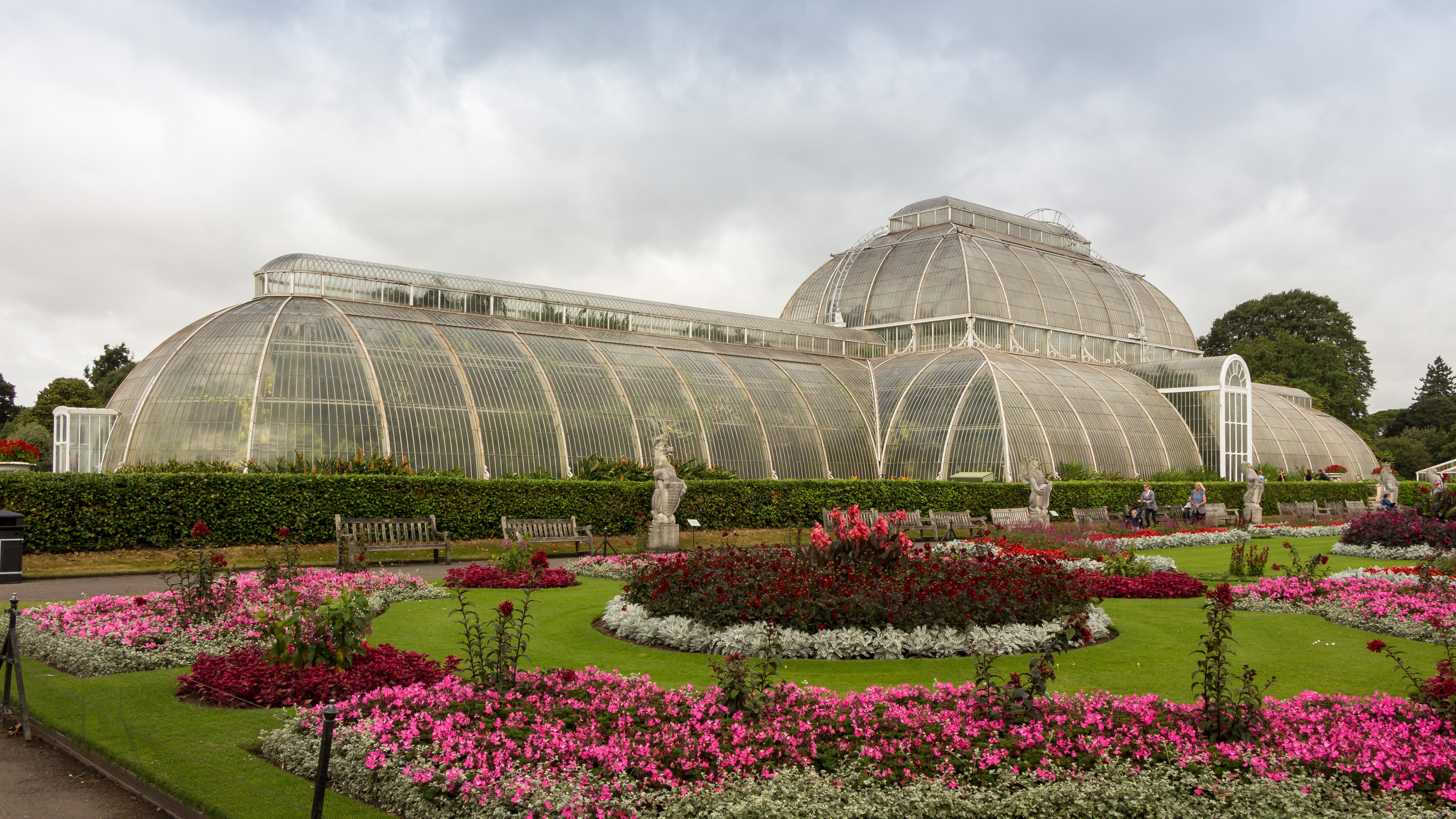
Learn repeated arches, glass rhythm and planted walkways from a landmark glasshouse.
Photograph: Rafa Esteve · CC BY-SA 4.0
A reduced-size screenshot preview is saved locally in this browser, and restored on refresh when storage allows. It is not uploaded or included in the shared My Whims archive.
These swatches are suggestions, not exact in-game color-match promises.
Notes and milestones save automatically in this browser.
Your draft should reopen after refreshing this page. Save to My Whims creates an archived project and a browser recovery copy where supported. Download a JSON backup to protect against moving folders or clearing browser data. There is no browser Print button.
Reopen a project you've saved to My Whims, or continue an automatically saved browser draft. Reduced-size screenshot previews are restored from this browser when space allows; you may always choose a fresh image.
No saved design practices yet.
Your work in progress will appear here.
Backups include your Design Practice drafts, saved Design Practice projects, checklists and reduced-size screenshot previews. They do not include unrelated My Whims saves. Keep the downloaded JSON file somewhere safe: Chrome may not retain data reliably when opening pages directly as files.