WANDERING WHIMS · CREATIVE ARCHIVE
BUILD & RENOVATION
Your New Creative Project
A story begins with inspiration.
A few photographs can tell the story of a beautiful Sims creation.
✧
✧
✧
Base Game Only · Created with Wandering Whims
A creative home for Sims 4 builders, storytellers & dreamers.
THE INSPIRATION CREATIVE GALLERY
Give your Sims creations a beautiful page of their own. Collect screenshots, describe your design, credit creators, and download a keepsake for sharing elsewhere.
CHOOSE YOUR CANVAS
Select a starting format. You can still change every detail.
FROM OUR OWN BUILD COLLECTION
Explore Linen & Laurel, then load the same project into the editor to see how a finished showcase is put together.
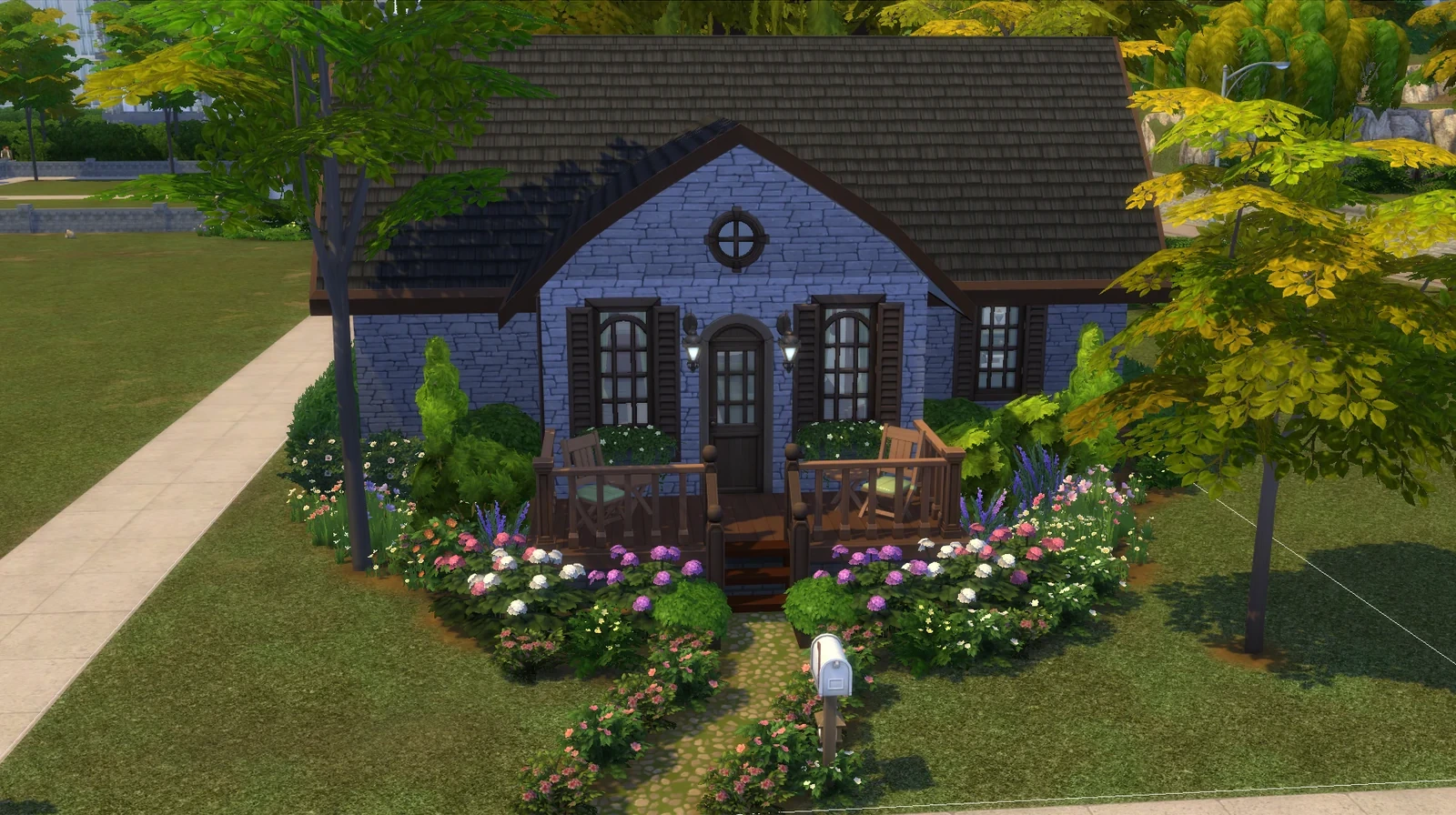
BUILD STUDY · BASE GAME FOUNDATION
A compact English-country cottage with a botanical garden and subtle Gothic details. See its photographs, planning images and the finished portfolio spread.
Loading the example replaces only the current unsaved draft after confirmation. It will not overwrite your saved showcases. You can edit the fields, swap the screenshots and export PNG, PDF or JSON.
THE MAKER'S NOTES
Add the details that make this project yours. The preview updates as you type.
Privacy & credits: This tool is for preparing a personal portfolio. Saving a project here does not upload or publish it to the website. Add attribution and obtain permission where required before sharing someone else's images or work.
PHOTO SELECTION IDEAS
Use one strong cover image, then add a few supporting pictures that explain the people, setting, or design process.
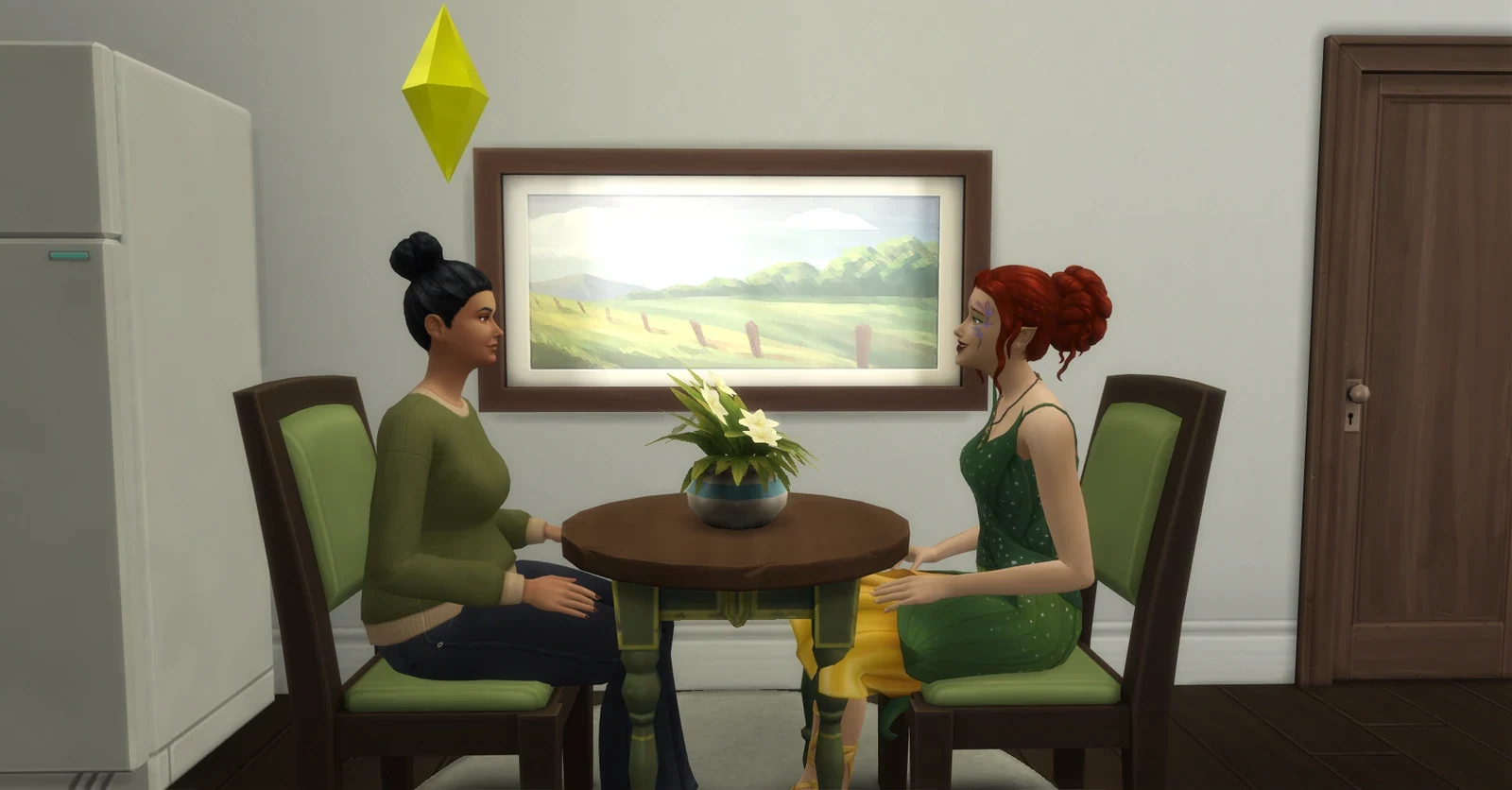
These are examples from the website’s existing photo collection. Your portfolio remains your own, and uploaded screenshots stay on your device unless you choose to export them.
FOUR FRAMES, ONE CREATIVE STORY
Upload one cover and up to three supporting images. JPG, PNG, and WebP are supported. Smaller copies are used for the browser portfolio; always keep your originals.
Maximum 12 MB per upload; screenshots are resized for storage and download. Browser storage limits may vary.
THE FINISHED SPREAD
A live preview of your shareable keepsake. Empty frames remain decorative until you add screenshots.
A story begins with inspiration.
A few photographs can tell the story of a beautiful Sims creation.
Base Game Only · Created with Wandering Whims
THE PORTFOLIO CABINET
Keep multiple drafts in this browser. Download a JSON backup if you want to move to another device or protect your work.
YOUR CREATIVE SHOWCASE CHECKLIST
These simple steps help photographs tell a story rather than merely show an object.
Choose a clean exterior, expressive portrait, or revealing story moment that makes the subject immediately clear.
Pair a wide establishing shot with important details. For restorations, use the same camera position for before-and-after views.
Record optional pack content, CC creators, image permission, and concise image descriptions before publishing elsewhere.