Build Project Planner
Bring your Sims 4 building ideas together in one place. Plan your lot, rooms, colors, budget, milestones, and story—then track your progress from the first sketch to the finished build.
Every beautiful build begins with a plan.
Whether you're restoring a grand estate or building a cozy starter cottage, create a practical roadmap that works with the packs you own.
Start planning a build ↓ Photo: Kognos · CC BY-SA 4.0
Begin With Inspiration
Choose a starting idea, or create a project entirely your own. Each idea works as a Base Game foundation.
PROJECT EXAMPLE · LINEN & LAUREL
A Sample Build Journey: From Plan to Place
See what one finished project can look like when you begin with a small shell, plan the essentials and finish with a coherent exterior.
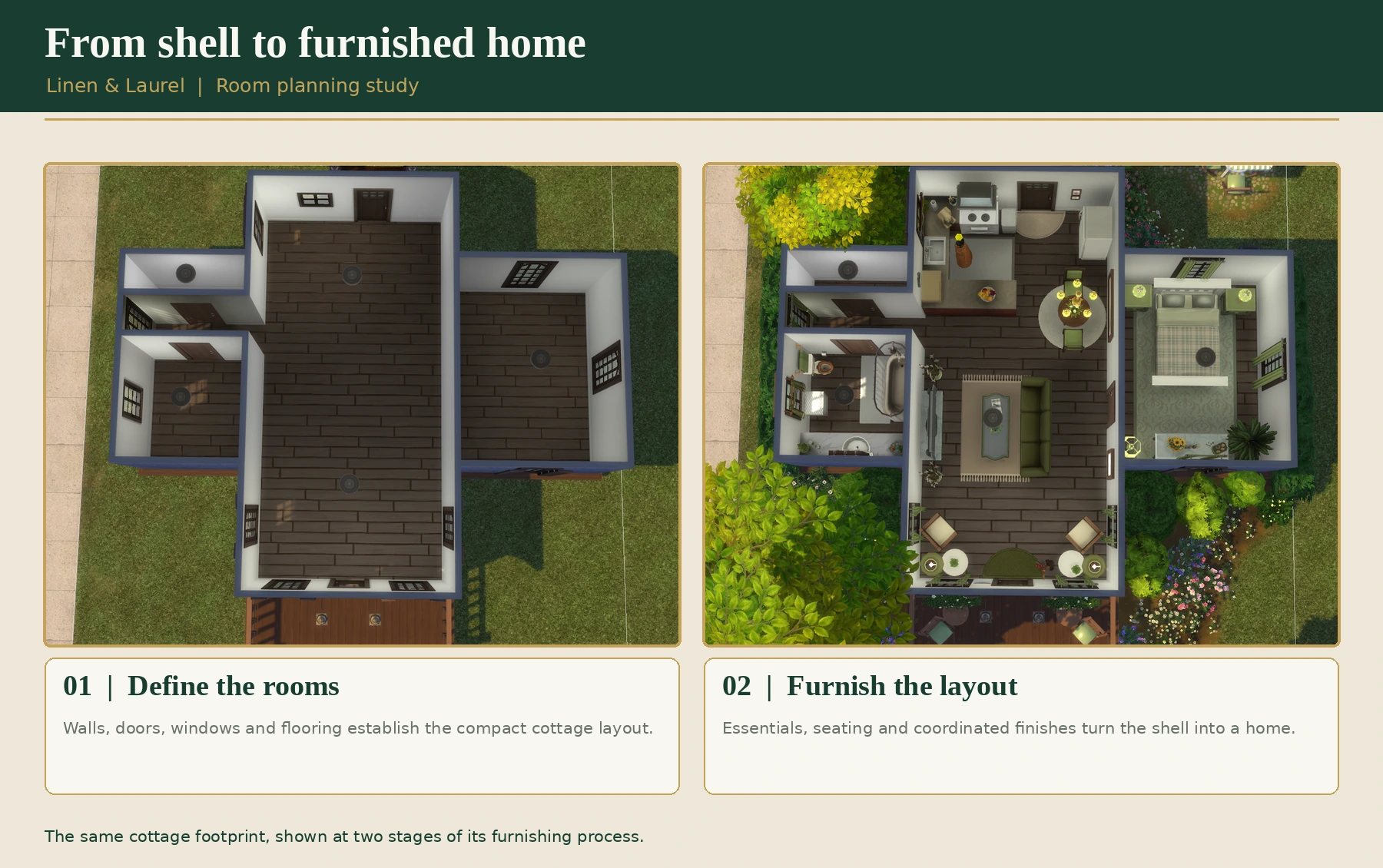
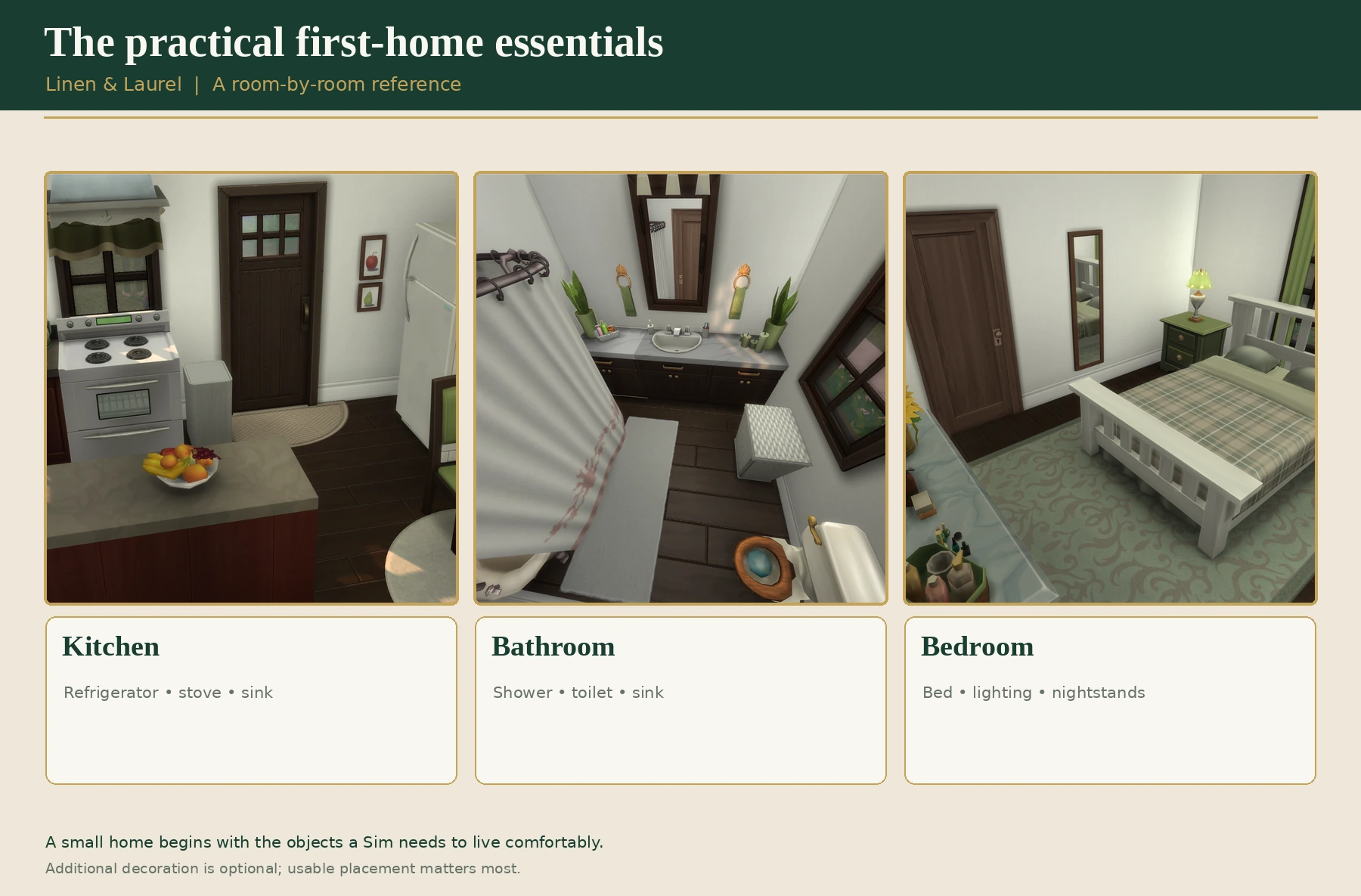
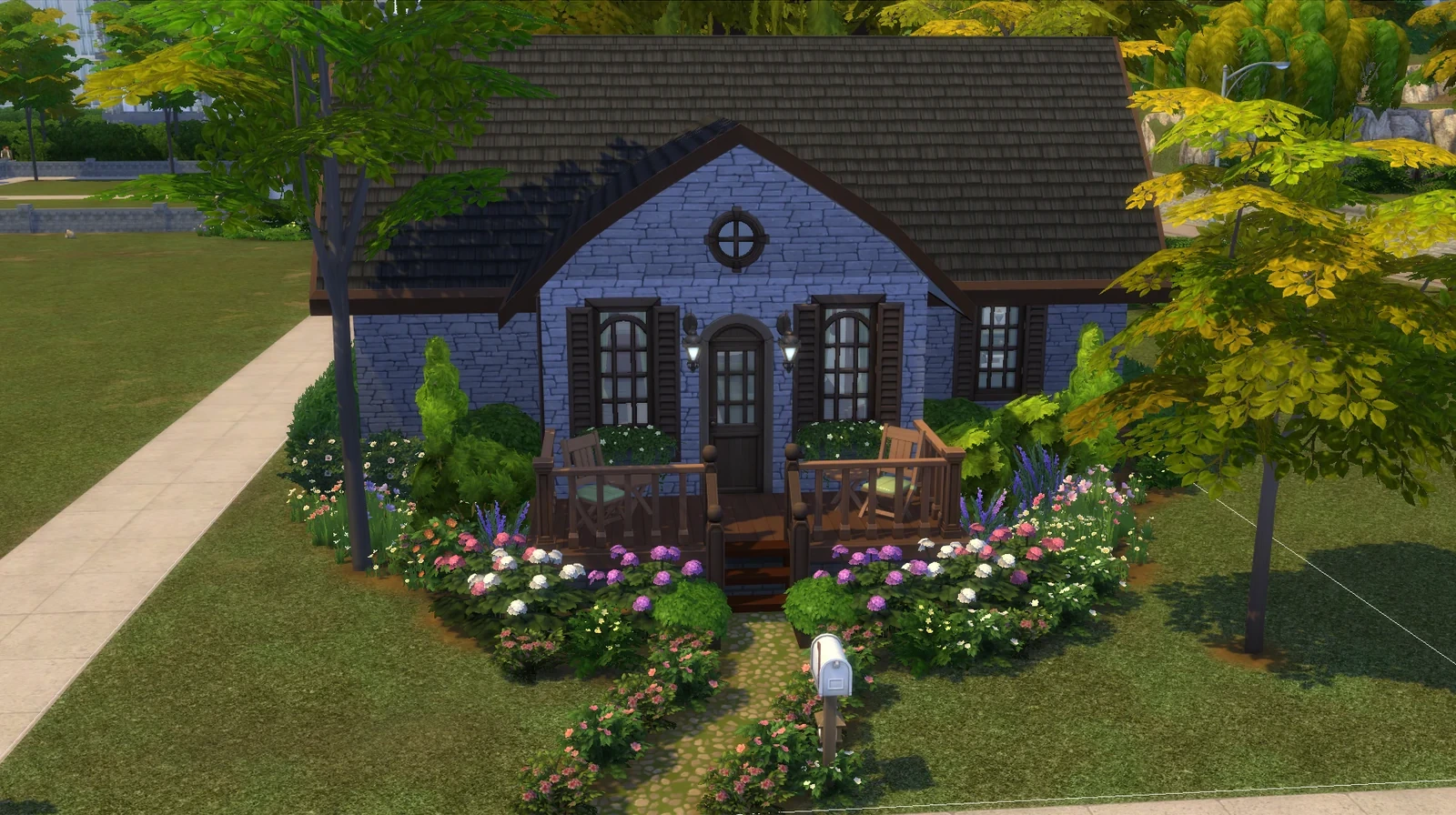
Design lesson: A great build plan can be simple. Record what you need, test the layout, and add the atmosphere in manageable stages.
Plan Your Next Project
Choose your own pace. All fields are optional except the project name; your progress updates as you plan.
1. Project Foundations
Start with the big picture. You can change any detail later.
Base Game & optional packs
Optional enhancements: Select only packs you'd like to draw inspiration from. They're suggestions, not requirements or a check of what you own.
2. Milestones & Rooms
Use this flexible checklist for both build-only and story-driven projects. Mark steps complete as you go.
Rooms & spaces
Add the rooms or outdoor areas you need, then mark them finished.
3. Ideas & Finishing Touches
Continue Your Design Journey
Need an architectural detail, room arrangement, color idea, or garden layout? These tools work beautifully alongside your project plan.